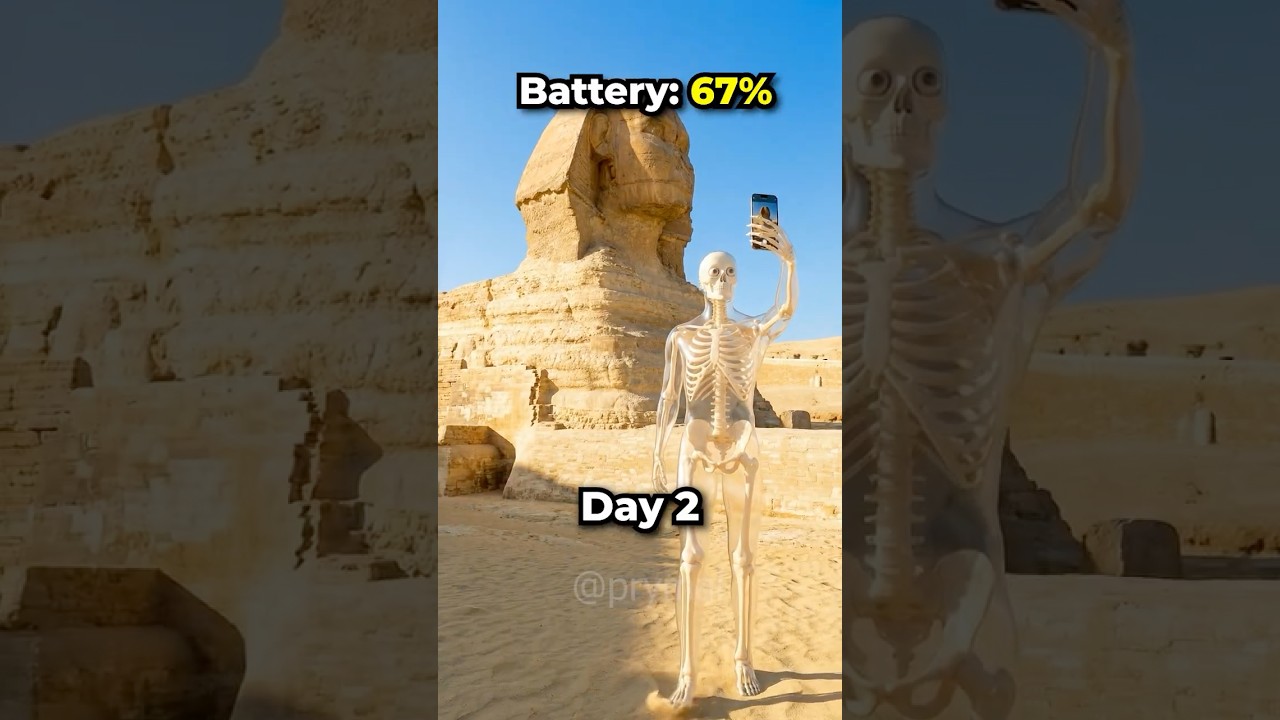
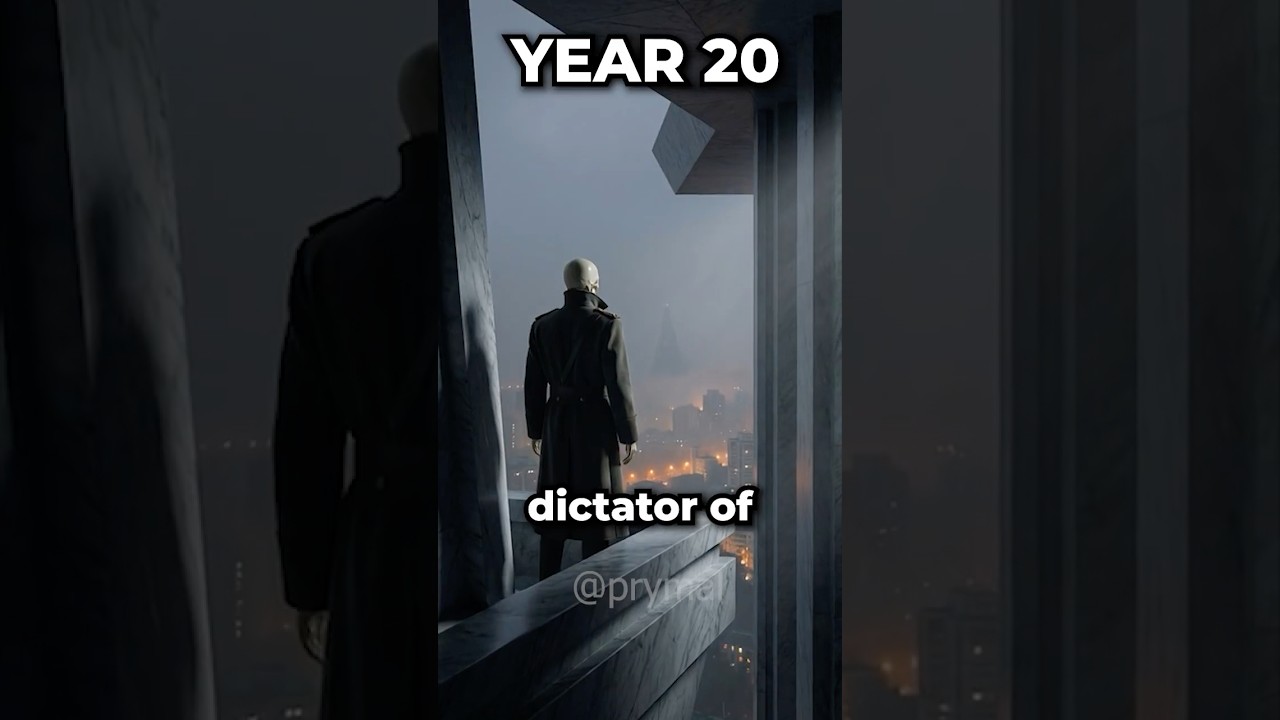
AI video generation that actually works

Paste a script. Get scenes, images, and animated video with consistent characters throughout.

Every step can be tailored to your own video.

Click through each step to see how it works — no account needed.

Interactive demo
1
Input
2
Style
3
Images
4
Animation

Reference Video

https://www.youtube.com/shorts/p8Hio-Knyn4
Enter a YouTube video URL to analyze scene structure and timing

Your Script

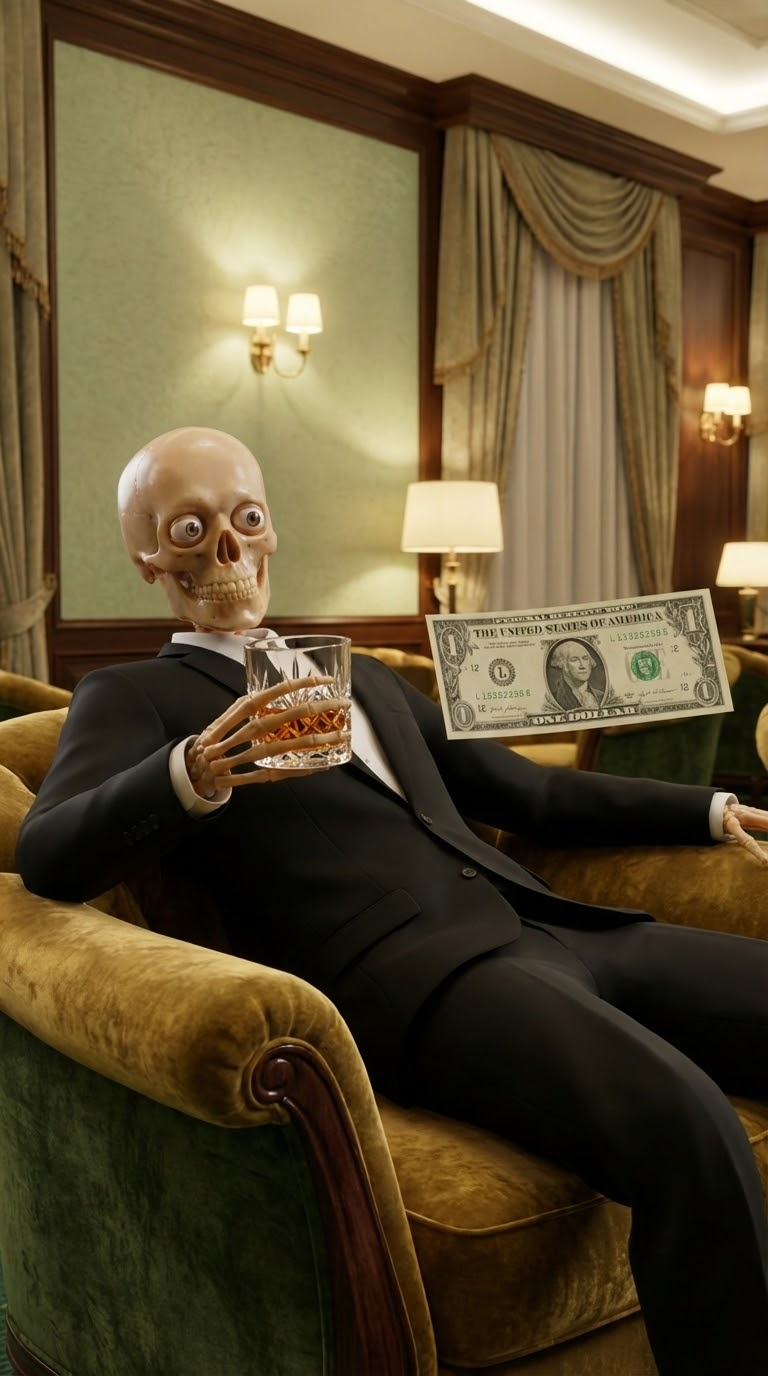
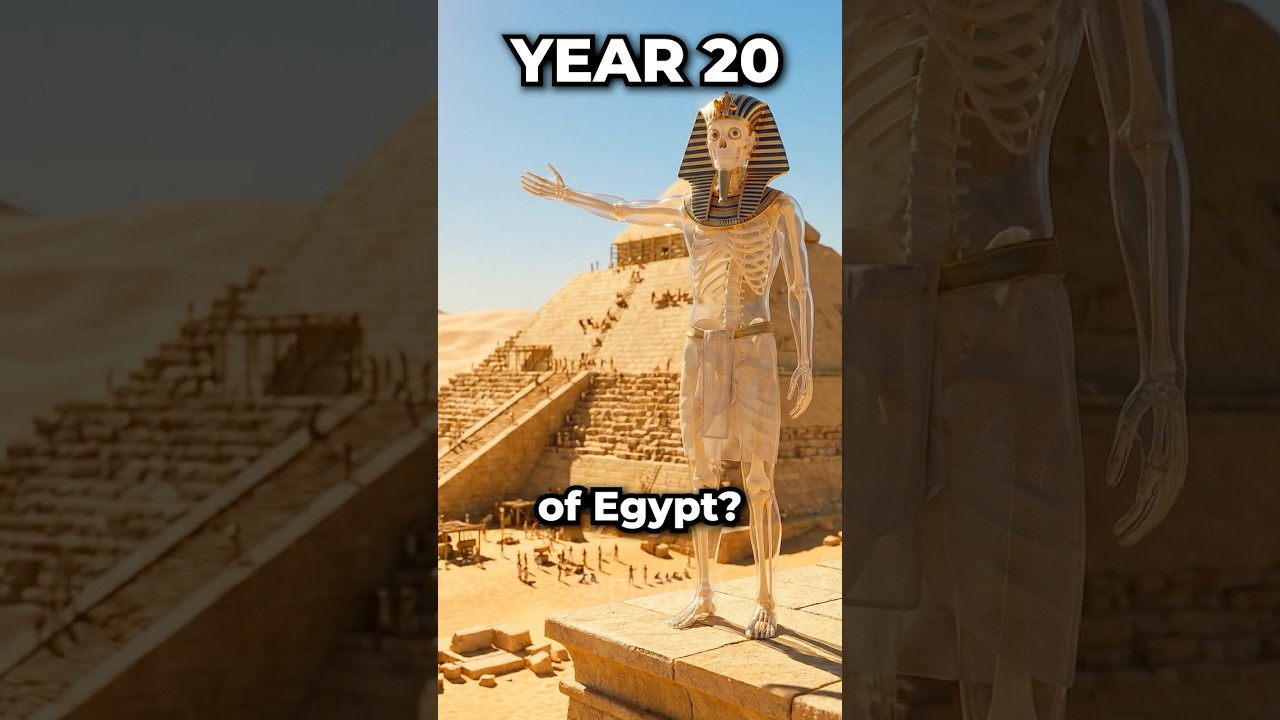
How fast can you rise through the mafia? Year 1, you're an associate. You go through the back streets collecting envelopes with cash from every shop on the block. You hand them to your boss the next day. Year five, you're a made man. You run underground poker games in a smoke filled basement, counting stacks of cash taller than the drinks. Anyone who can't pay doesn't leave. Year 8, you're a capo. You step out of a black car at a construction site, shaking the manager's hand, while your crew redirects an entire city contract worth millions into your pocket. Year 15, concealier. You're sitting across from a rival family in a candle lit wine seller. He refuses your offer. 2 days later, his entire operation burns to the ground. Year 20, under boss, your most trusted captain walks into your office wearing a wire. You already knew he doesn't make it to the elevator. Year 25, you're now the boss
Your script will be split into scenes based on the reference video structure

Style Reference

Choose how to define the visual style for your image prompts
Same Video
Use the reference video's style
Different Video
Use another video's style
Reference Image
Use an image for style
Or choose an example style:
Studio Backdrop
Studio Backdrop
Clean character focus
Creative Environment
Creative Environment Recommended
Detailed backgrounds
Studio with Assets
Studio with Assets
Studio backdrop + script visuals

Character Description *

Describe your main character clearly. This will be used in all image prompts to maintain consistency. Please ensure that you don't describe background details or settings. Just focus on the character's appearance

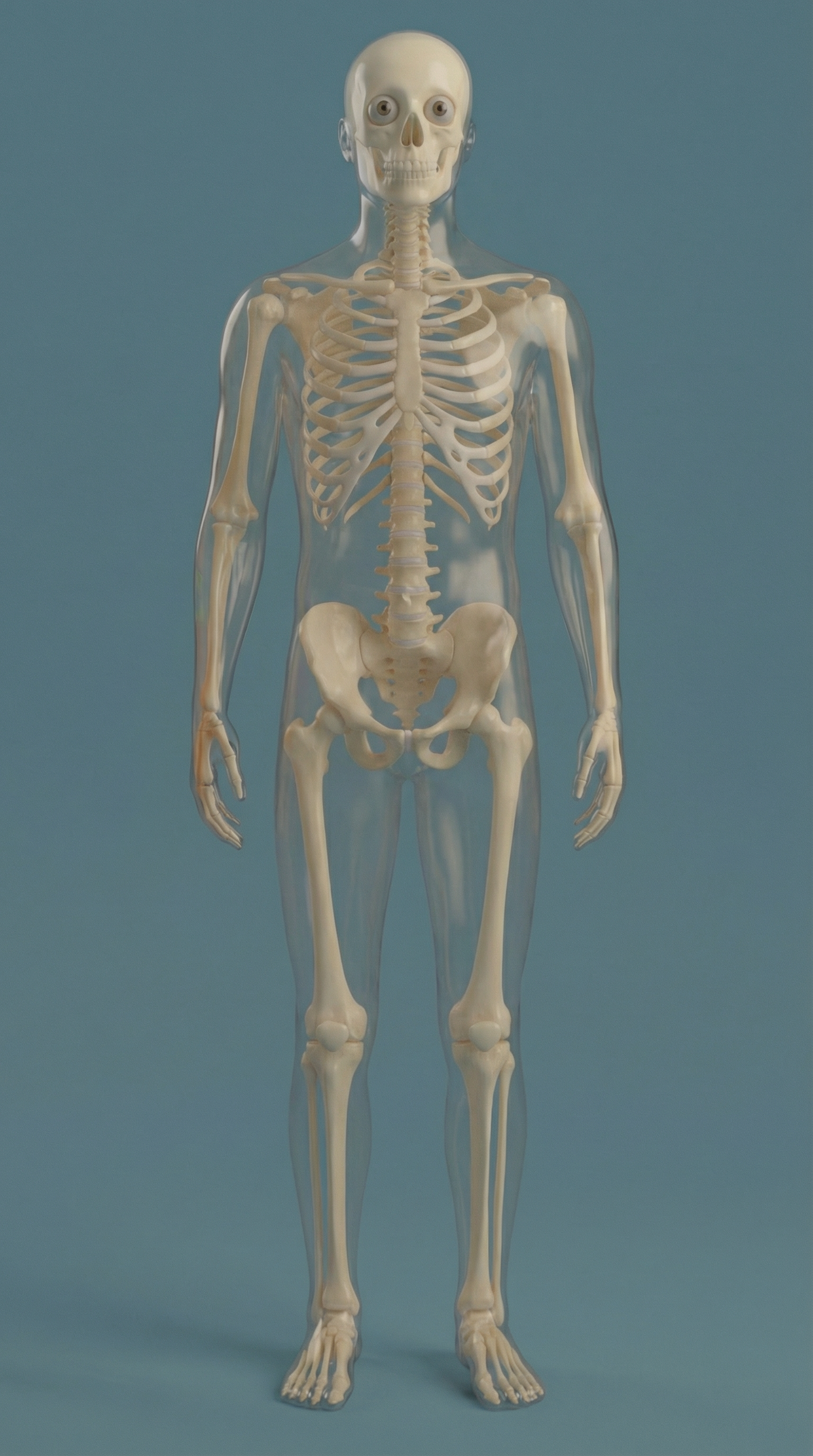
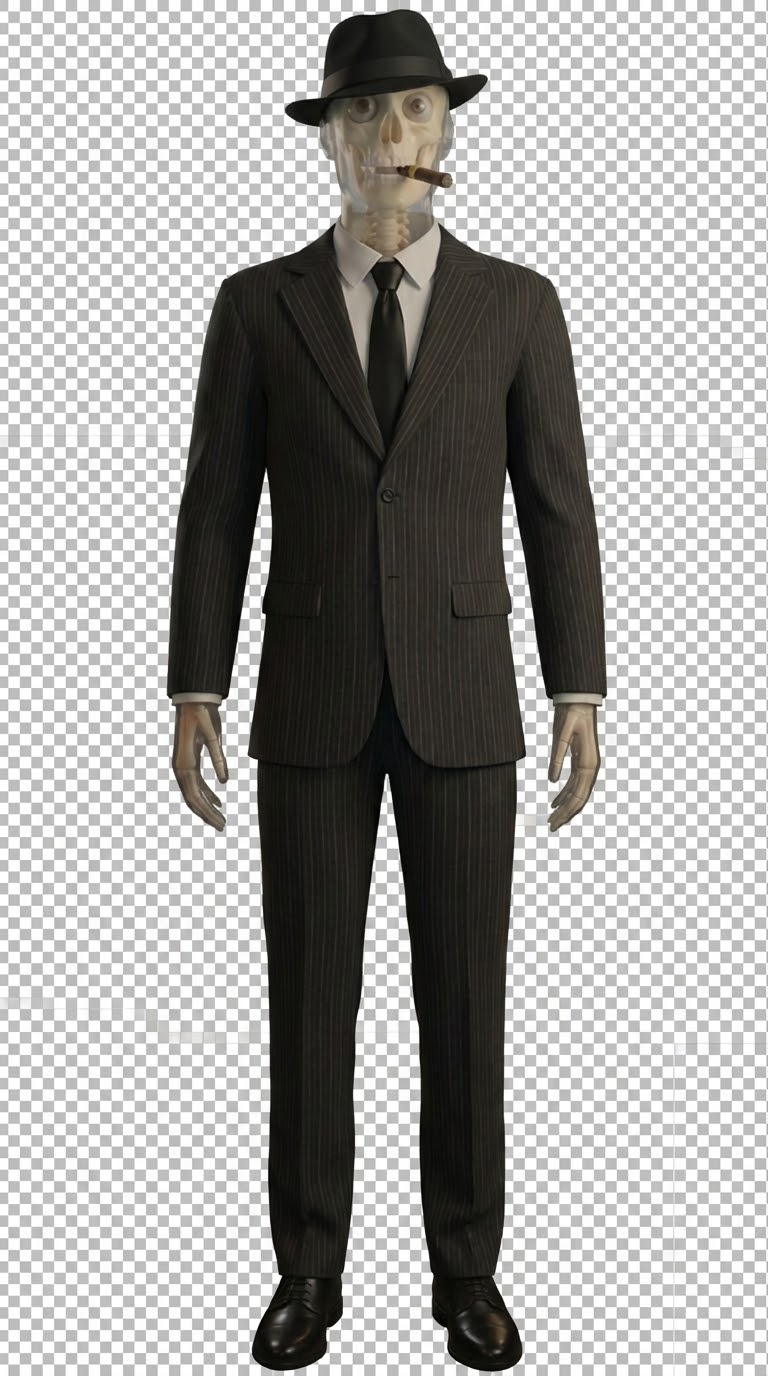
mafia skeleton character
Don't be specific! You will attach a reference image in the next step which will do most of the work for you. Good example: 'translucent skeleton character', 'cartoon monkey', 'anime girl'

Detected Scenes (18)

Each scene generates a separate image and animation. Split or merge scenes to control how many visuals your video has.

Character Reference Images *

Add reference images to maintain character consistency across all generated images (required)
Click to upload or drag and drop
PNG, JPG, WebP (max 10MB each)
Character reference
https://example.com/character-reference.jpg
9:16 (Vertical)
Nano Banana Pro (3 credits)
Nano Banana Pro (3 credits) is recommended for best quality. Seedream (2 credits) offers a good balance. Nano Banana (1 credit) is faster and more economical.
Nano Banana Pro | 3 credits per image | 18 images remaining = 54 credits

Animations (18)
Grok 6s (Audio) (3 credits)
Kling 5s (No Audio) (8 credits)
Kling 5s (Audio) (15 credits)
Kling 10s (No Audio) (15 credits)
Kling 10s (Audio) (30 credits)
Grok 6s (Audio) (3 credits)
Veo 3.1 Fast (~8s) (7 credits)

Step-by-Step Guide

1

Paste Your Script

Paste your full video script into the script box. This is the narration or voiceover text that your video will be based on.

2

Add a Reference Video

Paste a YouTube URL of a video with good pacing and the type of scene structure you want. The tool will analyze its scene breakdown and use it to split your script into scenes.

Pick a video that has a lot of scene changes and good visual pacing — this directly affects how your script gets broken into scenes.
3

Choose Your Style

Select how your video will look:

Creative Environment — lets the AI create a unique visual style.
Same Video — uses the visual style from your reference video.
Reference Image — upload your own style reference image.

4

Describe Your Main Character

Write a description of your main character. This character will appear across all your scenes for consistency.

5

Review Detected Scenes

Your script is automatically broken into individual scenes. Each scene becomes a separate image prompt.

6

Generate Prompts

Press "Generate Prompts" to create AI image prompts for every scene.

7

Set Up Reference Images

Generate or upload a reference image of your main character. It gets applied to all scenes for consistency.

For aging characters: generate different versions and assign each to the relevant scenes.
8

Generate & Refine Images

Generate images for each scene. Regenerate, edit, or switch between versions until you're happy.

Spend time getting the images right — animations are only as good as the images.
9

Generate Animations

Pick your preferred model and press generate to animate all scenes.

10

Download & Post-Production

Download all clips, import into your editor, speed up by 1.6x, upscale, and add voiceover.

Post-production should only take 5–10 minutes once you have all your clips.
Results

These hit millions of views

100% generated on Algrow — script to scenes to animation. Merge in any editor and publish. That's it.

1M+ views on a single video
100% AI-generated visuals
15 min from script to video
Cost

How much does one video cost?

Configure your video below. The price updates live.

$5.04 / 135 credits
Scenes 15
Image model
Video model

Based on Creator pack ($0.037/credit). Each scene = 1 image + 1 video clip.

Pricing

Stupidly cheap credits

A full AI-generated image for 1 credit. A Veo video clip for 7. An entire 18-scene video for less than a Netflix subscription. No, seriously.

Boost Starter
250
credits
$9.99
Studio Best for Teams
2,500
credits
$89.99
Subscription required — each plan includes monthly credits
Starter 95 credits/mo $25
Professional 175 credits/mo $45
Ultimate 300 credits/mo $80

Video Models

Model Duration Credits
Veo
8s + audio74 Limited Offer
Kling
5s8
10s15
5s + audio15
10s + audio30
Grok
6s + audio3

Image Generation

Model Credits per Image
Nano Banana1
Seedream 4.52
Nano Banana Pro3

Your next video starts here

Paste a script, generate scenes, and export cinematic video — all from one tool. No editing experience required.

Get Started
Download ×